Similar Notes
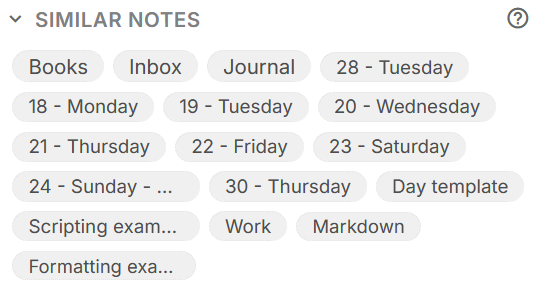
The Similar Notes feature tries to identify notes that relate to the current note by looking at the content of the notes, their relationships, as well as the date they were created.
To access the list of similar notes:
- Go to the Connections tab in the Right Sidebar and look for the corresponding section.
- Alternatively, press the in the Status bar and select Show similar notes which will open a pane at the bottom.
- On the Mobile Frontend, open the Note menu → Note info and select Show similar notes.
Interaction
- Hover over a note to see a short preview of the note.
- Click over a note to open it in the current view.
- Ctrl + click a note to open it in a separate tab.